


Edit
Nano Banana 2.1
×BotGo
NANO BANANA 2.1Make the image match the idea.
Generate detailed images, refine a photo or combine references with Google's Nano Banana 2.1.
Nano Banana 2.1 Inspiration
Explore public images with their original prompts and required source files. Open a recipe to Recreate it, edit the result or use it as a new visual reference.


Edit


Autumn Owl Illustration
Edit

Edit


Ceramic Dripper
Edit


Quilled Paper History
Edit


Courtside Portrait
Edit
AI IMAGE WORKFLOW
What is Nano Banana 2.1?
Nano Banana 2.1 is Google's image generation and conversational editing model, following Nano Banana 2. It improves visual quality, instruction following, text rendering and subject consistency. Generate from a written brief, edit a source photo or combine multiple reference images. This integration offers 1K, 2K and 4K size tiers, up to 14 image references and formats from square to ultrawide. Choose a format for the final placement and review the generated details at full size.
- Inputs
- Text, Image
- Resolution
- 1K, 2K, 4K
- Aspect ratios
- Auto, 1:1, 1:4, 1:8, 2:3, 3:2, 3:4, 4:1, 4:3, 4:5, 5:4, 8:1, 9:16, 16:9, 21:9
- Reference images
- Up to 14
- Function Mode
- General, Editing
- Generation time
- Model dependent
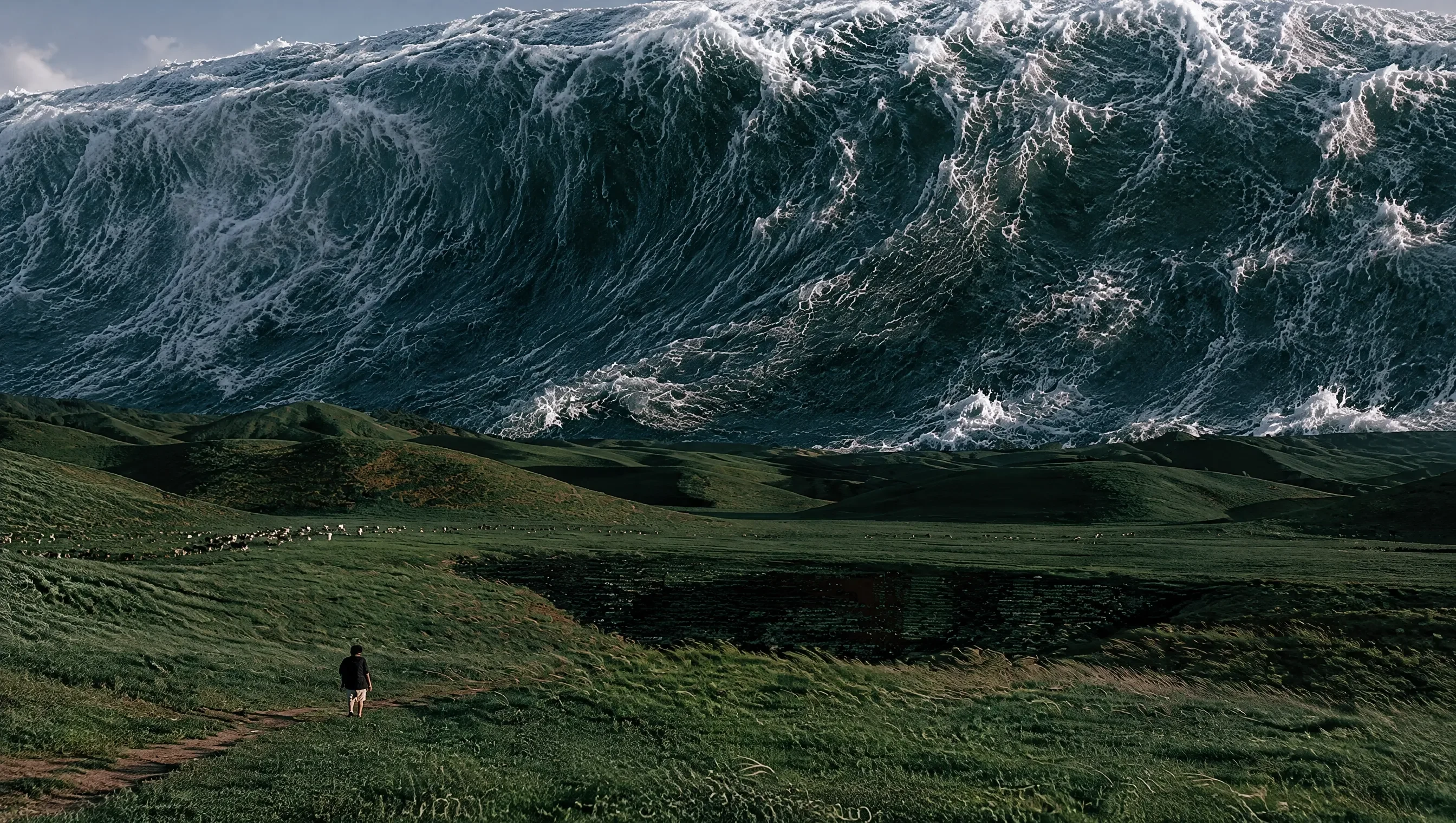
Key Features of Nano Banana 2.1
Create a new visual or make a focused change while keeping the brief and source images together.
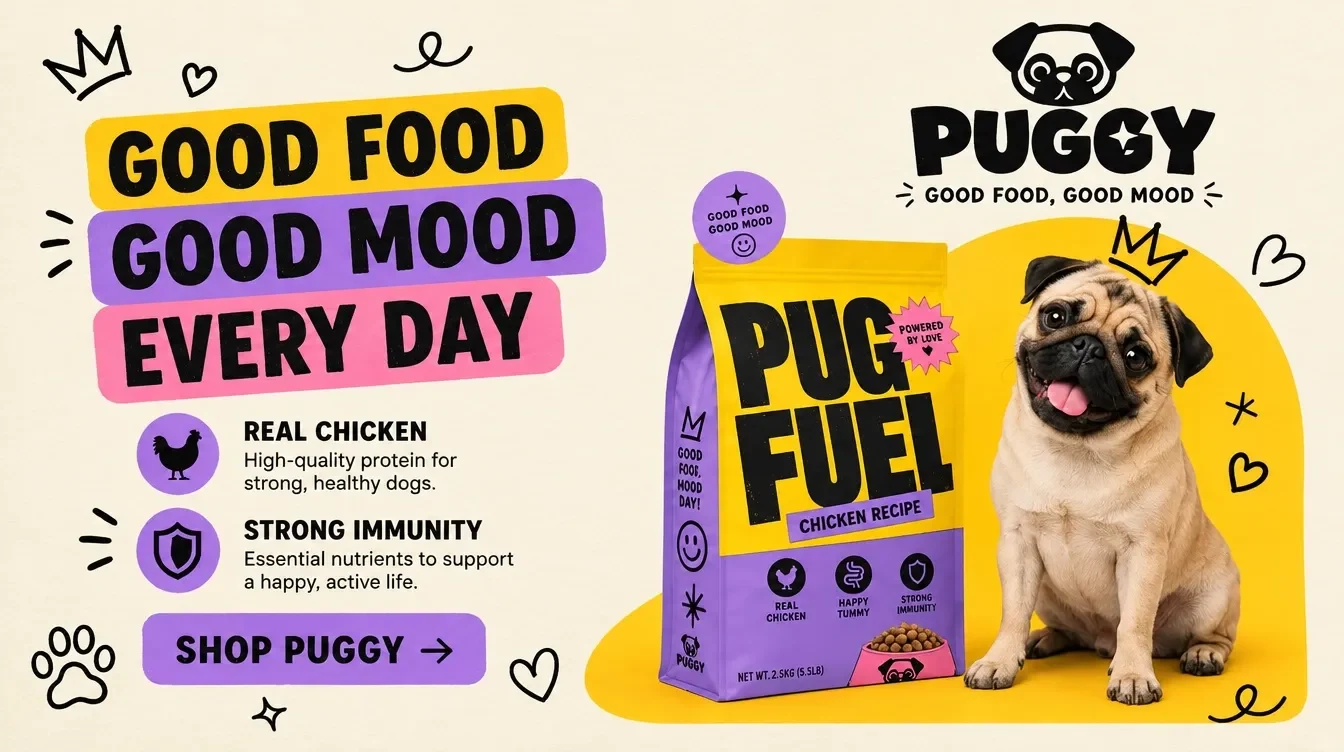
Detailed images from a clear brief
Describe the subject, materials, light and composition. Nano Banana 2.1 can render product photography, editorial scenes and illustration with improved realism. Use specific visual instructions and inspect fine details in the chosen output size.
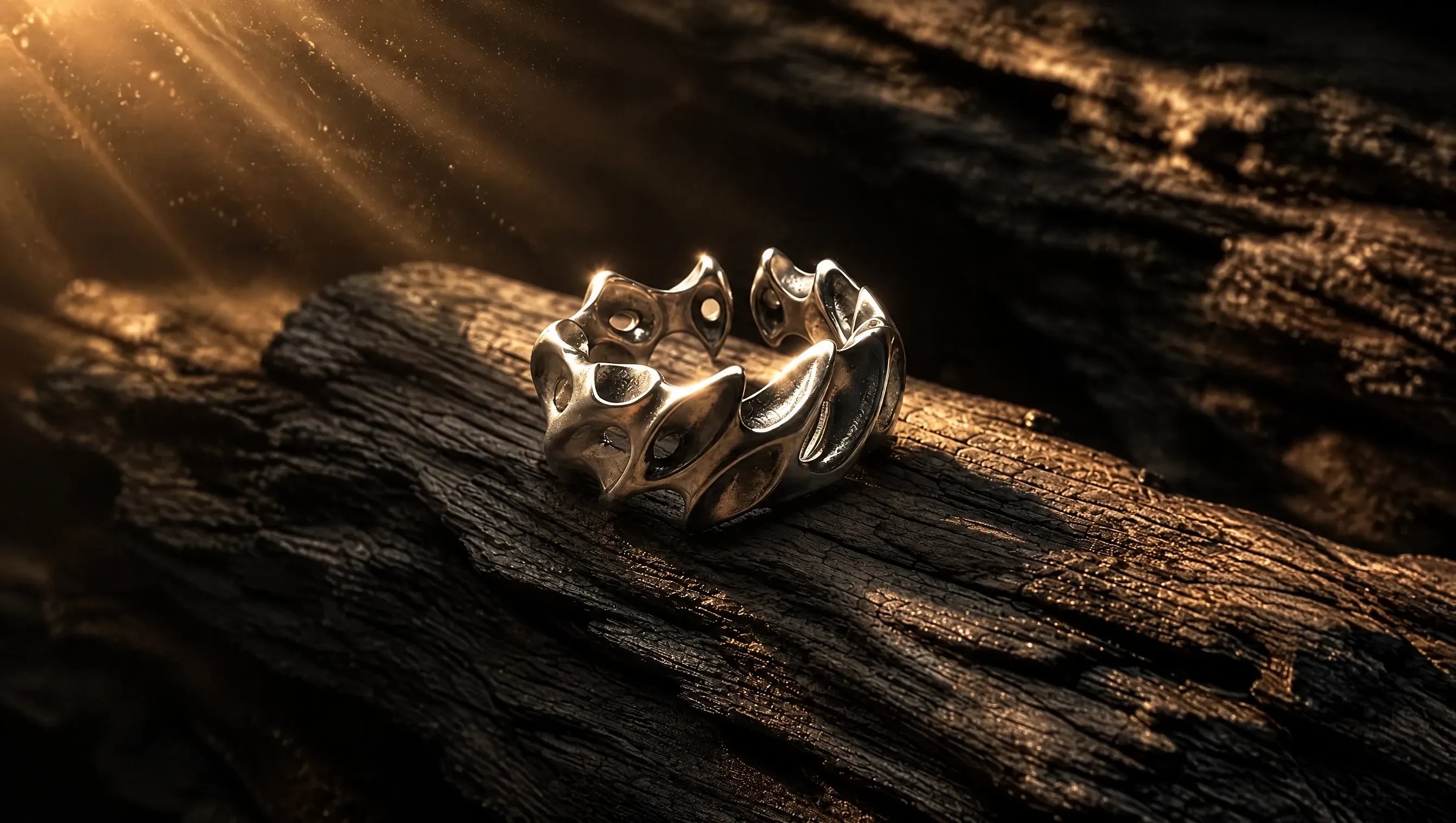
Precise, reference-led image edits
Upload a source photo and describe exactly what to replace, preserve or restyle. Keep identity, pose and composition explicit while changing clothing, an object or the environment. Check the output for unintended changes before using it.
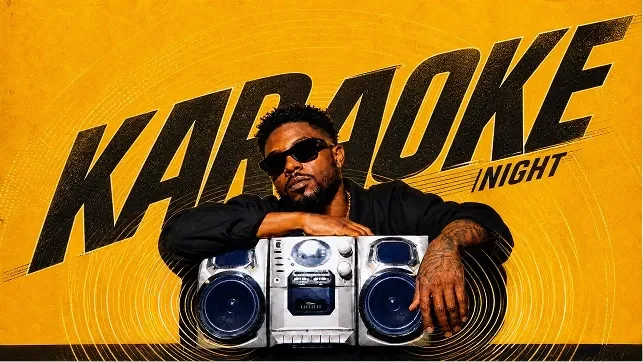
Typography and designed layouts
Quote short titles, labels and captions exactly as they should appear. Explain placement, hierarchy and spacing for posters, packaging or information graphics. Review spelling and small text at native resolution before publishing.
Multiple references, wider formats
Combine up to 14 images with clear roles for character, product or style. Choose 1K, 2K or 4K and a supported format, including 4:1 or 8:1 banners. Wide compositions are generated in that format rather than stretched from a square.
Nano Banana 2.1 vs Other AI Image Models
| Capability | Nano Banana 2.1 | GPT Image 2.5 | Nano Banana 2 | Seedream 5.0 Pro |
|---|---|---|---|---|
| Max Resolution | 1K, 2K, 4K | 1K | 1K, 2K, 4K | 1K, 2K |
| Input Types | Text, Image | Text, Image | Text, Image | Text, Image |
| Aspect Ratios | Auto, 1:1, 1:4, 1:8, 2:3, 3:2, 3:4, 4:1, 4:3, 4:5, 5:4, 8:1, 9:16, 16:9, 21:9 | Auto, 1:1, 3:2, 2:3, 4:3, 3:4, 5:4, 4:5, 16:9, 9:16, 2:1, 1:2, 21:9, 9:21, 3:1, 1:3 | Auto, 1:1, 1:4, 1:8, 2:3, 3:2, 3:4, 4:1, 4:3, 4:5, 5:4, 8:1, 9:16, 16:9, 21:9 | 1:1, 4:3, 3:4, 16:9, 9:16, 3:2, 2:3, 21:9 |
| Function Mode | General, Editing | General, Editing | General, Editing | General, Editing |
| Max References | Up to 14 | Up to 16 | Up to 14 | Up to 10 |
How to Create Images with Nano Banana 2.1
Describe a new image or bring an original photo for a focused edit.
 1
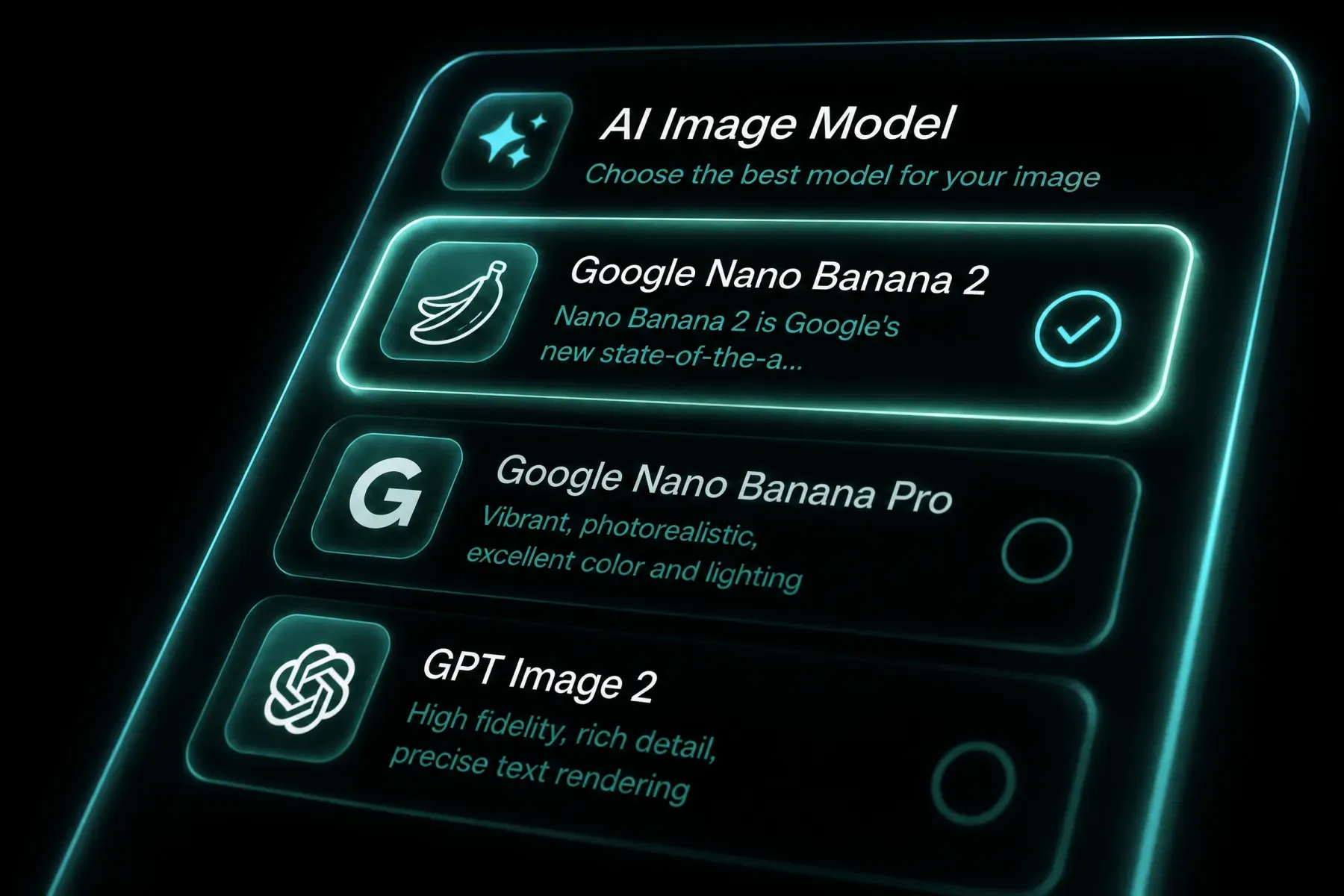
1Choose Your Starting Point
Select Nano Banana 2.1. Use general mode for text-to-image or image-guided generation, or editing mode to revise a source photo.
 2
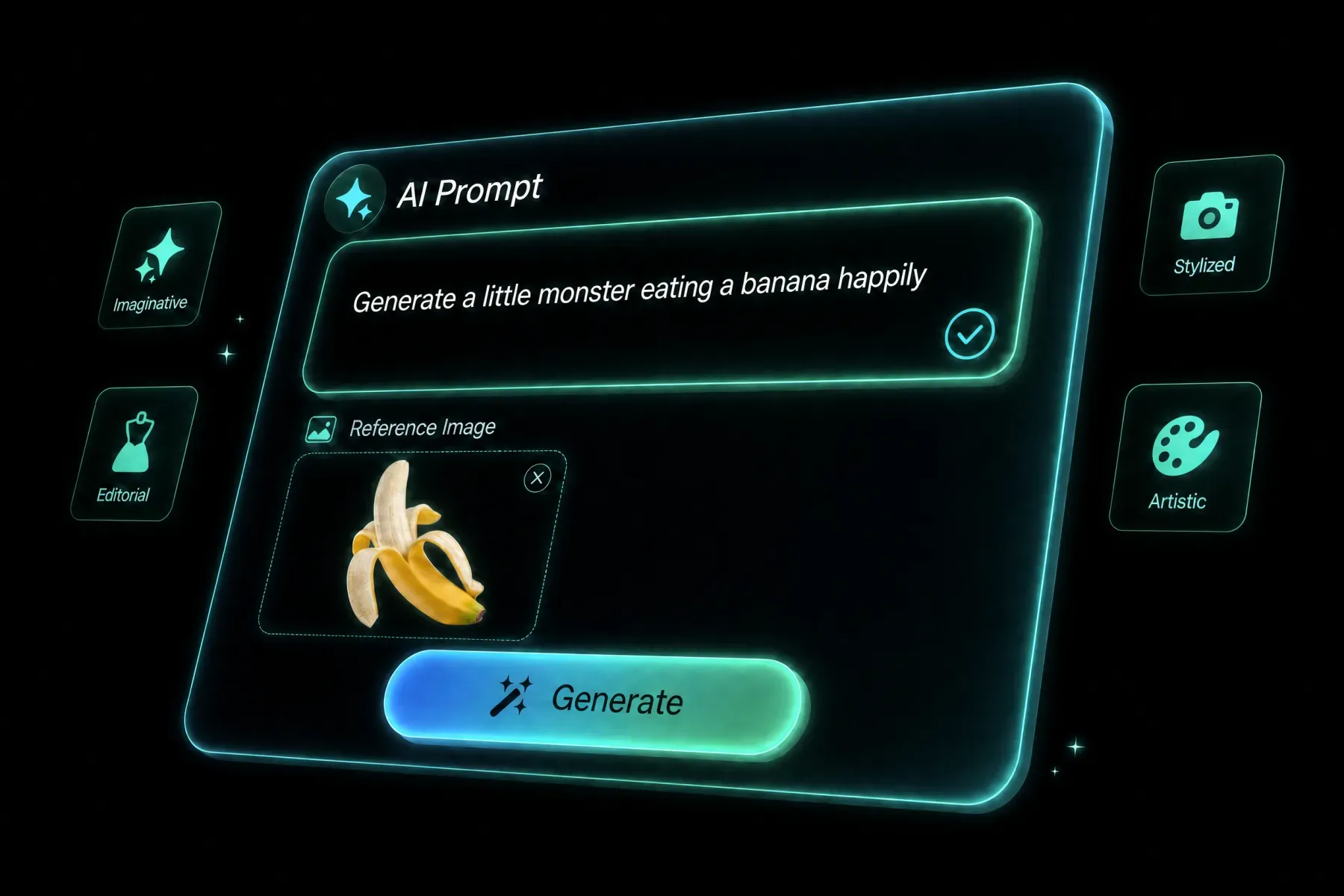
2Describe the Image
Write the subject, composition, light and intended use. Add reference images when needed, and separate the details to preserve from the changes you want.
 3
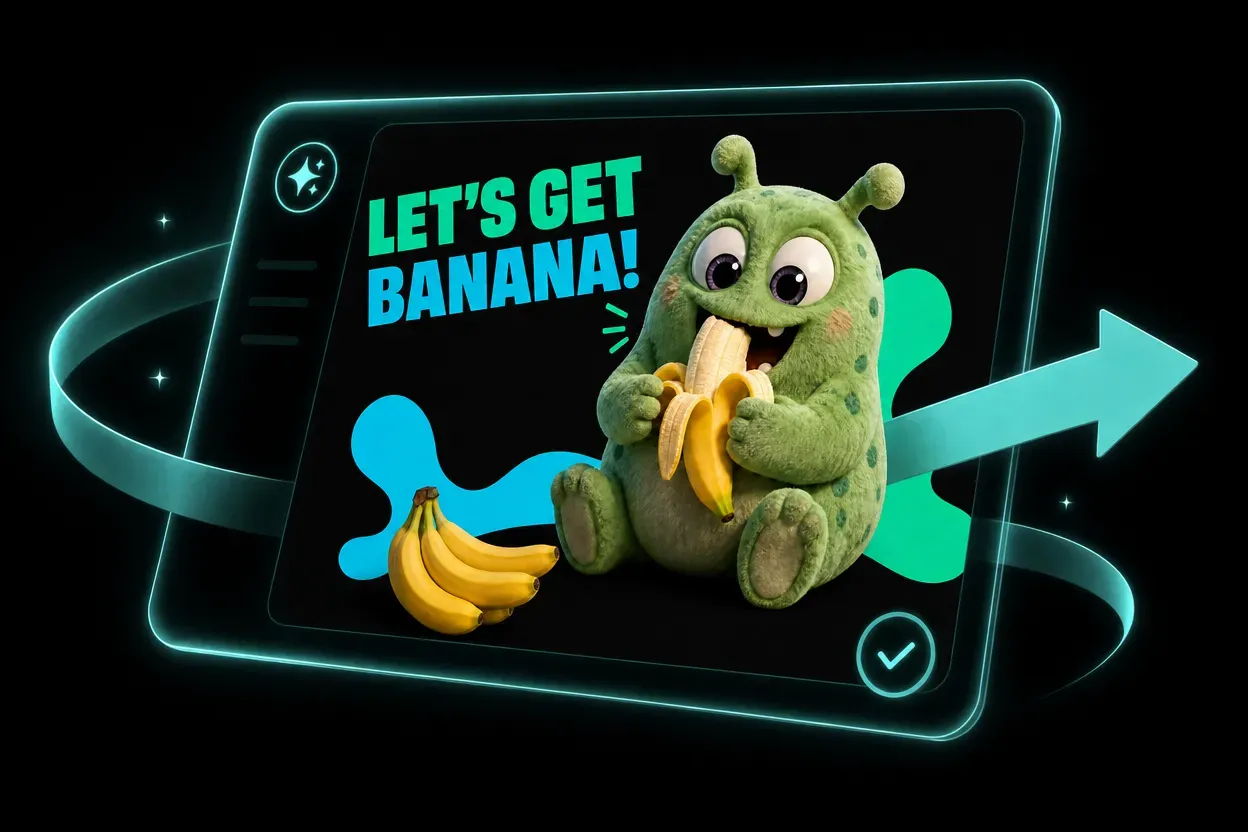
3Generate and Check
Choose the aspect ratio and 1K, 2K or 4K tier. Generate, inspect faces, materials and text, then refine a focused part of the prompt.
Nano Banana 2.1 in Use
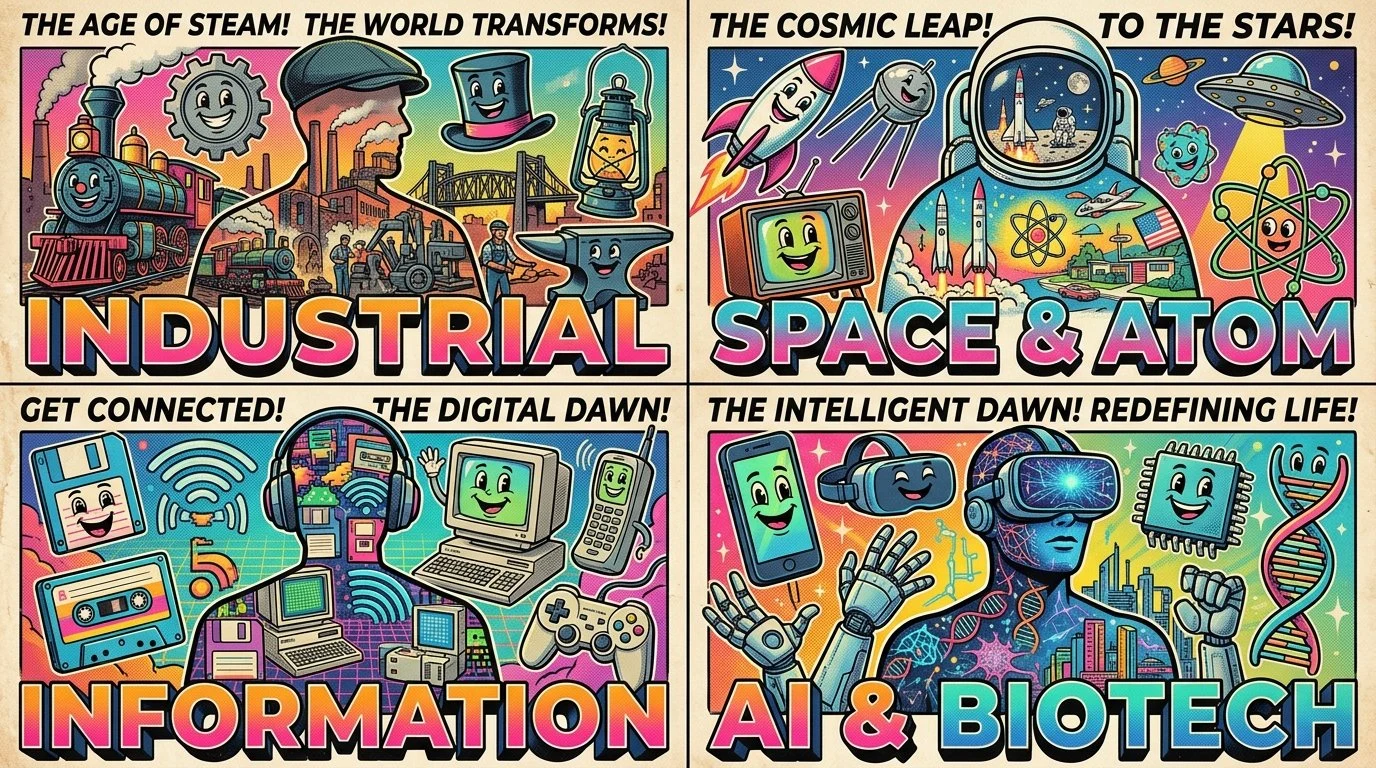
See how creators use the model for campaigns, visual storytelling and detailed compositions. Each X badge leads to the original post for that image.
BUILT FOR REAL CREATIVE WORK
From Visual Brief to Useful Asset
Choose the output and workflow around the job the image needs to do.
CREATORS
Commerce and Products
Explore product lighting, materials and campaign compositions from text or product references.
MARKETING
Design and Marketing
Create posters, packaging concepts and channel artwork with a planned type hierarchy.
COMMERCE
Photographers and Editors
Test a focused clothing, environment or lighting change while preserving the source subject.
STUDIOS
Character and Story Teams
Use image references to develop coordinated characters and scenes, then review consistency.
Frequently Asked Questions
Nano Banana 2.1 is Google's image generation and editing model. It follows Nano Banana 2 with improvements to realism, prompt adherence, text rendering and subject consistency. You can use it here from a text prompt or image references.
Choose 1K, 2K or 4K in the generator. Pixel dimensions depend on the selected aspect ratio and the returned output. Check the downloaded image's actual dimensions when preparing final delivery.
Yes. Upload the original image, select editing mode and describe what should change and what must remain. Inspiration editing recipes include the source file so Recreate can restore the complete starting point.
This integration supports up to 14 images, subject to per-file and combined upload limits. Explain each image's role, such as character, product or setting. A larger reference set does not guarantee perfect consistency.
Yes. Text rendering and layout are improved, and supported aspect ratios include 4:1, 1:4, 8:1 and 1:8. Quote the required words and describe their placement. Proofread every generated label, especially long passages and small lettering.
The current Nano Banana 2.1 integration accepts text and images. Video references, web search and thinking-level controls offered by other endpoints are not exposed here. Use the inputs and settings shown in the generator.
Explore More AI Models
Compare other AI models available in the BotGo creative workspace.
GPT Image 2.5
Create and edit detailed images with multiple references and precise prompt control.
✓ AvailableNano Banana 2
Fast prompt and reference-led image generation for everyday creative work.
✓ AvailableSeedream 5.0 Pro
Generate and edit high-resolution images with control over composition and detail.
✓ AvailableNOW LIVE ON BOTGO
THE FUTURE OF IMAGE:NANO BANANA 2.1 CREATIVE ENGINE
Create or refine your next image with Nano Banana 2.1.
Create an Image