Edit
Extend

Create 4 to 12 second videos from text, keyframes and references, with output up to 2K.
Explore public videos and their complete recipes. Selected BotGo Video 2.5 Flash templates are included for inspiration; Recreate opens the current model with the original prompt and inputs.
AI VIDEO WORKFLOW
BotGo Video 2.5 is a video generation model for turning a written brief, keyframes or multimodal references into a short scene. Create 4 to 12 second clips in 720p, 1080p, 1K or 2K, with six framing options from vertical to ultrawide. Text mode starts from a prompt, frame mode anchors the beginning and ending, and reference mode combines visual and audio direction. Choose the workflow that matches your starting material, then refine the strongest result in the same workspace.
Move from an idea to a directed short scene with controls for composition, continuity and delivery.
Describe the subject, action, setting, light and camera movement. A focused 4 to 12 second brief gives each action room to read, whether you are planning a product film, an animated moment or a cinematic scene.
Use an image to establish the first frame, or supply opening and closing images in frame mode. Explain how the scene should move between those states so character movement and camera direction have a clear destination.
In reference mode, use up to eight images, one video and three audio files within the combined input limit. Explain which source defines the subject, motion or sound. Preserve the order of named references when recreating a recipe.
Choose 720p, 1080p, 1K or 2K and a supported aspect ratio before generating. Use 9:16 for vertical placements, 1:1 for square compositions or 21:9 for a wider scene. Review the actual output before final delivery.
| Capability | BotGo Video 2.5 | BotGo Video 2.5 Flash | Seedance 2.5 | Kling 4.0 |
|---|---|---|---|---|
| Max Resolution | 720p, 1080p, 1K, 2K | 720p | 720p, 1080p | 720p, 1080p |
| Input Types | Text, Image, Video, Audio | Text, Image | Text, Image, Video, Audio | Text, Image, Video, Audio |
| Aspect Ratios | 16:9, 9:16, 1:1, 4:3, 3:4, 21:9 | 16:9, 9:16, 1:1, 4:3, 3:4, 21:9 | 16:9, 4:3, 1:1, 3:4, 9:16, 21:9, Adaptive | 16:9, 9:16, 1:1, 21:9, Adaptive |
| Max Duration | 12 sec | 12 sec | 30 sec | 30 sec |
| Function Mode | General, Frames, Reference | General, Frames, Reference | General, Frames, Reference, Editing, Extend | General, Reference, Frames, Editing, Extend |
| Seed Control | Not listed | Not listed | Not listed | Not listed |
| Web Search | Not listed | Not listed | Supported | Not listed |
Choose a starting point, give the scene a direction and review the result.
Select BotGo Video 2.5. Use general mode for a written brief or starting image, frames for keyframes, or reference mode for combined sources.
 2
2Write the action and camera direction. Upload the original images, video or audio required by the selected workflow, and identify each reference in the prompt.
Set a 4 to 12 second duration, resolution and aspect ratio. Generate the clip, check continuity and framing, then adjust the prompt for another take.
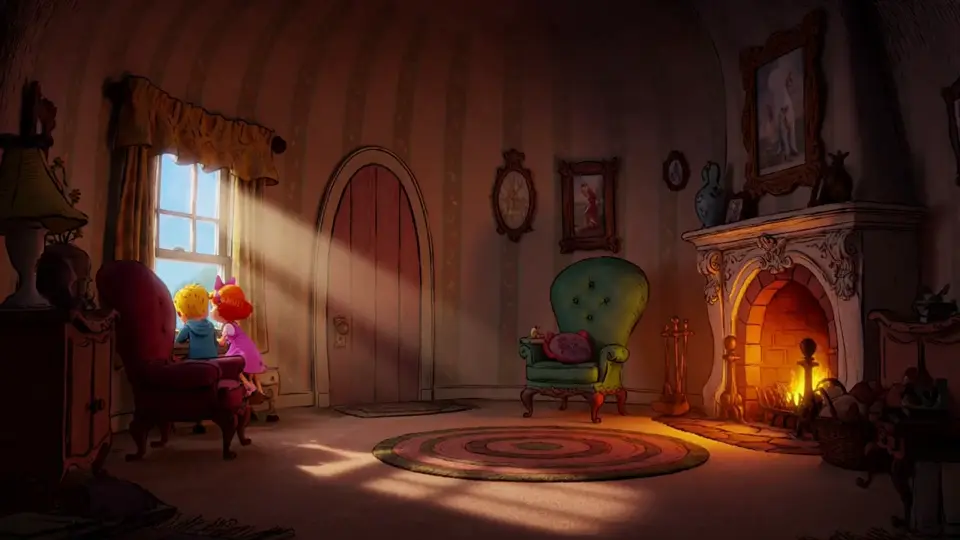
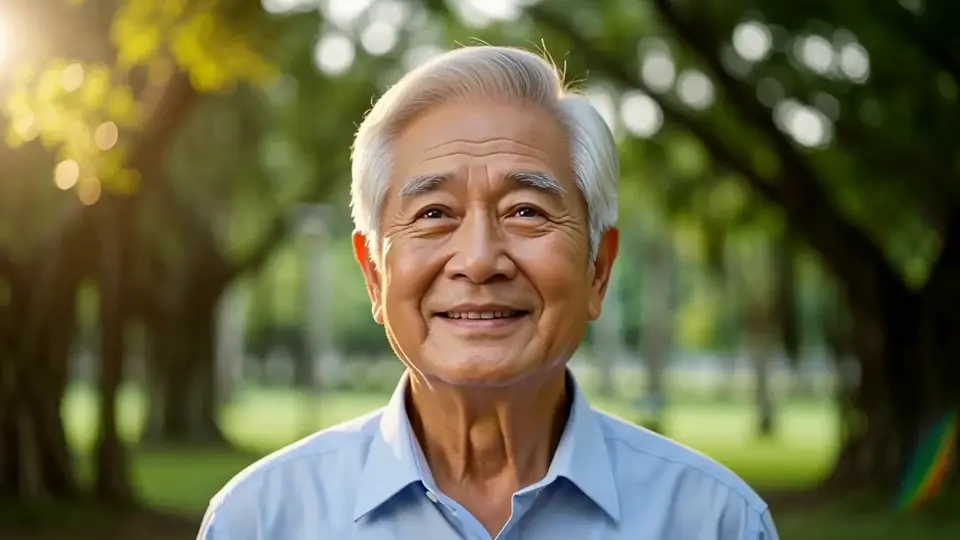
Explore selected BotGo family videos for animation, storytelling and visual experimentation. Flash examples remain recorded as Flash outputs in the source inventory.
Build a useful first cut around a specific audience and destination.
Plan an opening hook, one clear action and a final beat for vertical or square short videos.
Use product references and controlled framing to test a launch film or feature demonstration.
Develop a scene from opening and closing keyframes before assembling a longer edit.
Compare camera moves, visual styles and reference combinations during preproduction.
BotGo Video 2.5 is a short-video generation model available in the browser. It supports text, image, keyframe and multimodal reference workflows with clips from 4 to 12 seconds and output up to 2K.
BotGo Video 2.5 offers resolution tiers up to 2K and video references. Flash is the 720p branch for fast text, image and keyframe workflows. Compare the supported settings below and check the generator's current cost before submitting.
Yes. Add one source image in general mode to animate a starting frame, or use frame mode for opening and closing images. Describe the intended action while the images establish the subject and composition.
Reference mode supports up to eight images, one video and three audio files, with at most twelve assets in total. Source duration, format and size limits are checked by the generator before submission.
Selected Flash works are included as compatible workflow templates. Their original source model stays in the public recipe; using Recreate from this page selects BotGo Video 2.5 and carries over the original prompt and inputs. A new output can differ from the example.
Check the applicable model terms and your plan, and make sure you have permission to use every reference image, video and audio file. A public example does not transfer rights to its subjects, branding or source material.
Compare other AI models available in the BotGo creative workspace.
Fast 720p video from text, frames and image references, with native audio.
✓ AvailableCreate 4 to 30 second videos with multimodal references, native audio, editing and extension.
✓ AvailableCreate up to 30 second videos with native audio, multimodal references and keyframe control.
✓ AvailableBring a short scene to life with BotGo Video 2.5.
Create a Video